
NEWS
September 29: Release Notes
Add/Edit access is now available for Co-List Agents, schedule recurring open houses and other recent updates.
The following items were released September 29:
Co-List Agents are now able to view and edit listings assigned to them in Listing Management.
Previously, the default permissions for Co-List Agents did not include the ability to add or edit listings assigned to them as the Co-List Agent. To give Brokers and Agents the ability to grant this access to listings as needed while allowing Co-List Agents to manage their listings and tasks that are assigned to them, Add/Edit access is now available at the Co-List Agent level. Learn more about this change here.
Schedule recurring open houses and remove multiple open houses, other records in one easy step.
To help reduce the amount of manual work needed for managing your listings, you can now schedule up to four weeks of recurring open houses in Listing Management. Additionally, a Bulk Delete option is now available for you to remove multiple open house appointments, Green Verification records, or Units for Multi-Family and Commercial properties at once. Learn more here.
On-market listings sent to consumer websites now include listings in the Pending status.
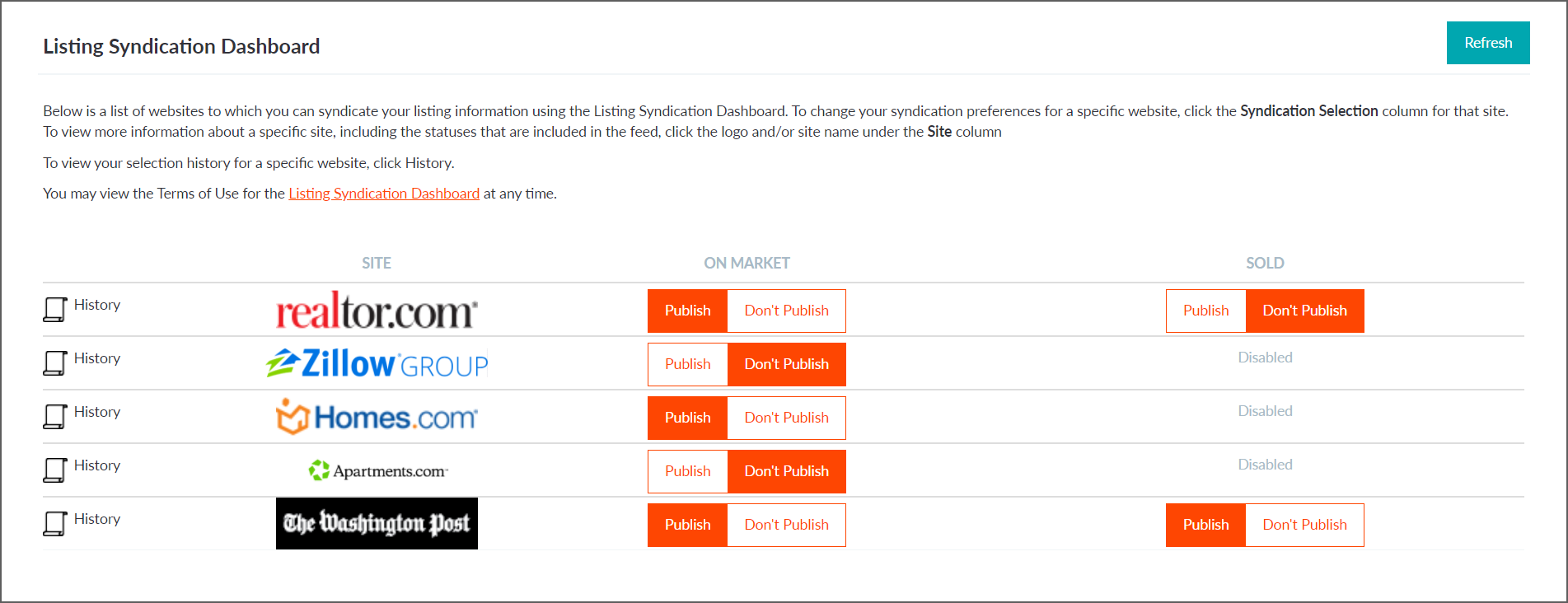
Brokers choose where to send their listings directly from Bright using the Listing Syndication Dashboard. Now wherever your Broker has opted into syndicating on-market listings, Pending listings will be sent along with their other Active listings. Watch this video to learn more about the different syndication options in Bright.
Agent Short PDF reports added for Land, Commercial Sale, Commercial Lease, and Business Opportunity property types.
To provide you with more flexibility and options when printing reports from Bright, the Agent Short report is now available as a PDF only report for Land, Commercial Sale, Commercial Lease, and Business Opportunity properties.
“By Status Change” is now “History (By Status Change)” in Search.
To provide better clarity on where you can search for a listing’s history in Bright based on status changes, we have renamed the Search menu item previously titled “By Status Change” to “History (By Status Change).” Watch this video to learn more on how to use this search functionality.
New Listing Management check for Coming Soon listings.
To help ensure Coming Soon listings are new listings as Bright’s Rules and Regulations specify, Listing Management will now automatically check that a listing can be saved or relisted in the Coming Soon status. The system will display a message and will not permit the listing to be saved as Coming Soon if it does not meet the following criteria:
- Listings must be in an off-market status for 60 days before they can be relisted as Coming Soon
- Listings cannot revert to Coming Soon after being moved to another status
“Back to Active” will no longer display for listings that were never set to the Active status.
Previously, when a listing went from Coming Soon to Temporarily Off Market and was then updated to Active, it would incorrectly display as “Back to Active” in Search. Now “Back to Active” will no longer show for Active listings that were never set to the Active status.
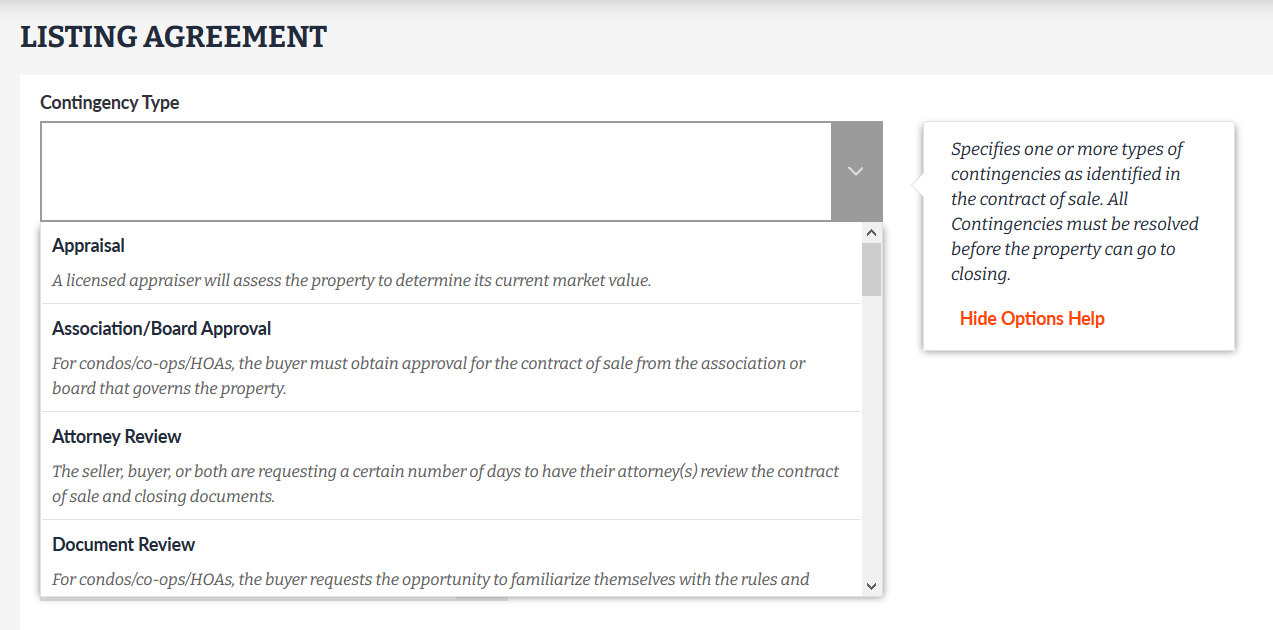
Definitions added to Contingency Type field in Listing Management.
To help clarify the contingency options available for Active Under Contract and Pending listings, we have added definitions to the Contingency Type Options Help in Listing Management.
Commercial Sale search field updates.
When performing a Commercial Sale search, only the search fields that are applicable to this property type will now appear for you to select under Additional Fields.