
NEWS
Now available: Co-List Agent access to Listing Management
Previously, agents could only edit listings they were assigned to as Co-List Agent if they were given the ability to Edit As the List Agent through Permissions. This gave the Co-List Agent access to all of the List Agent’s listings, not just the listing(s) where they were assigned as Co-List Agent.
Starting this week, Add/Edit permissions are now available at the Co-List Agent level, which gives Brokers and Agents the ability to assign this access to listings as needed, and allows Co-List Agents to manage their listings and tasks that are assigned to them.
Here’s a summary of the changes:
- In Listing Management, Co-List Agents can now view and search all listings where they are assigned as Co-List Agent, along with the List Agent for those listings.
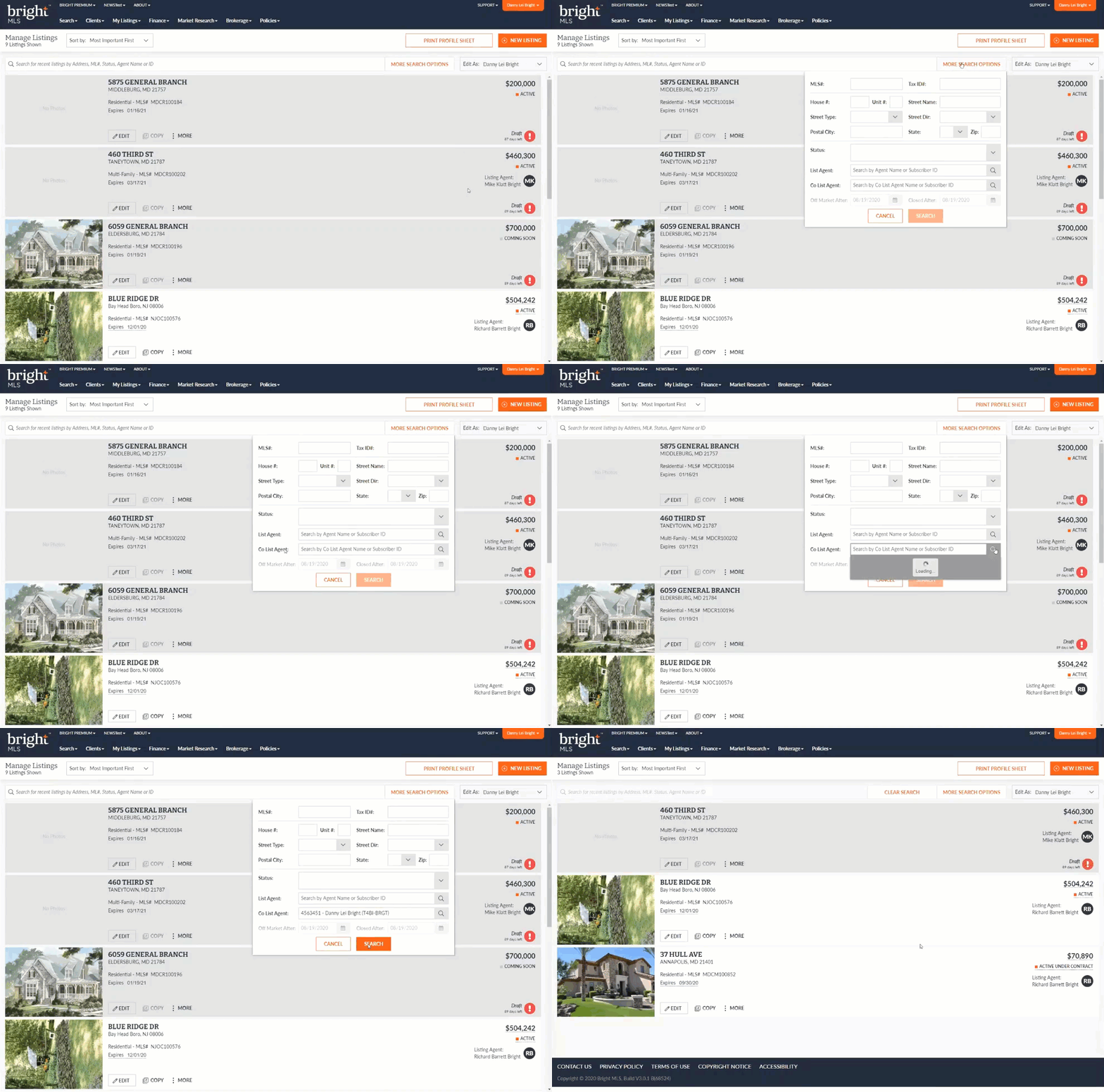
- Permissions will continue to control what actions the Co-List Agent can accomplish in Listing Management.
- For example, if the Broker has not granted access to view/edit listings, then the Co-List Agent will not be able to view/edit listings where they are assigned as Co-List Agent.
- Only the List Agent or those with office-level permissions will be able to change the Co-List Agent assigned to a listing.
- For listings where the Co-List Agent and List Agents are in different offices, subscribers in the Co-List Agent’s office will not have access to those listings even if they have office-level permissions.
- Co-List Agents are now able to copy a listing they are assigned to as Co-List Agent in Listing Management.
- In Search, Co-List Agents can now access listings using the pencil icon and open the listing’s full edit form in Listing Management, where they can perform listing updates as needed.
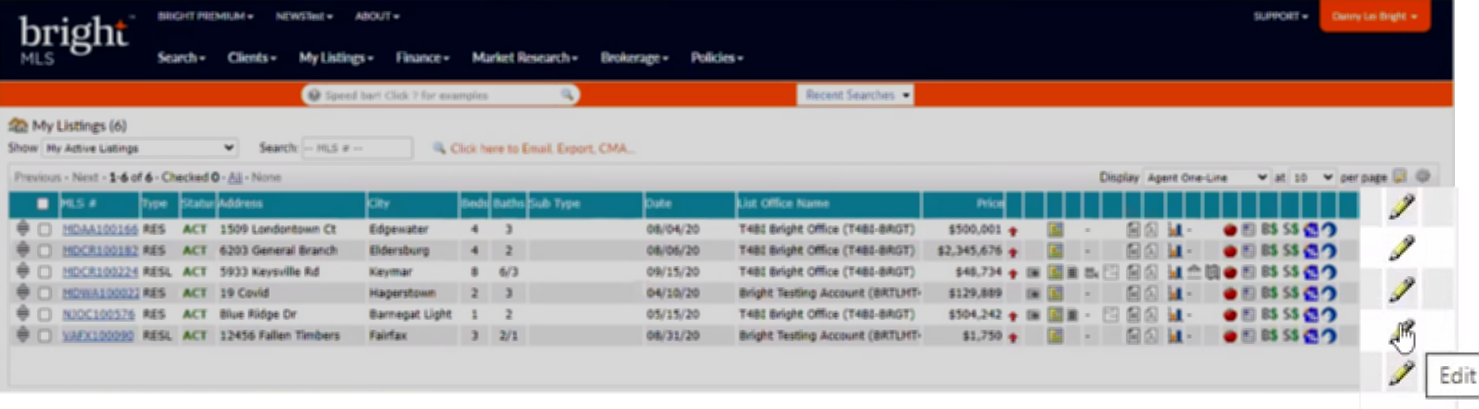
- Listing History will track any changes made by the Co-List Agent, and, depending on the change made, will also display this record within the audit history in Search.
- There are no changes to the following:
- Listing Transfer process
- Agent Transfer process
- Permissions
- Edit As functionality
