
Learn about the new rule for Year Built, and the new picklist options we’ve added to Listing Management and Search.
NEWS
Year Built field now automatically checks for errors
Learn about the new rule that helps prevent invalid entries for the Year Built field in Listing Management.
The Year Built field designates the year a property was constructed and is required for all property types excluding Land listings.
To help ensure this information is accurate in Bright, we have updated the Year Built field in Listing Management to automatically check for potential errors. Now when you enter a listing, Year Built must be 1492 or greater where:
- New Construction Y/N = No, or
- New Construction Y/N = Yes and Construction Completed Y/N = Yes
As part of this release, on-market listings that contained invalid entries for Year Built were updated to remove the information that was previously entered. Since Year Built is a required field, you will need to provide a value for this field the next time you publish any changes to the listing.
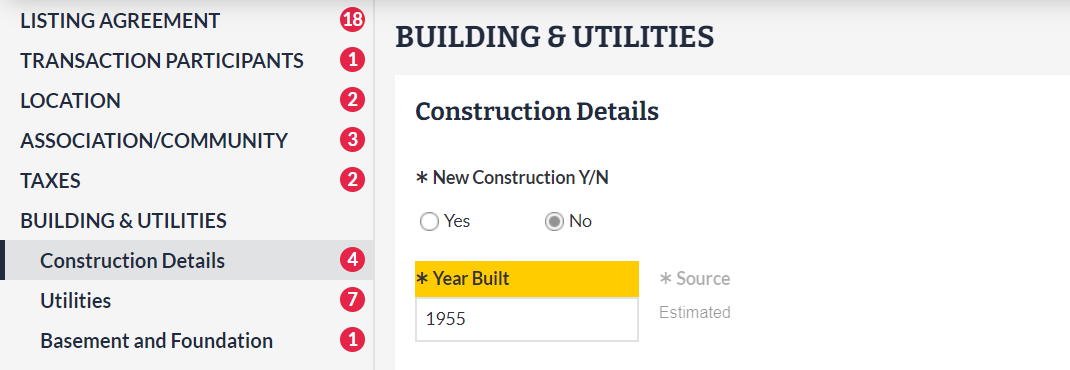
Year Built is located under Building & Utilities in Listing Management:
Recent articles
Learn about the new Room Features, HOA/Condo/Coop Amenities, and other updates now available in Listing Management and Search.
Back to Top