
NEWS
Updates to listing entry and search: March 9
Learn about the new Room Features, HOA/Condo/Coop Amenities, and other updates now available in Listing Management and Search.
The following items were released March 9:
New bathroom picklist options and Room Features search field.
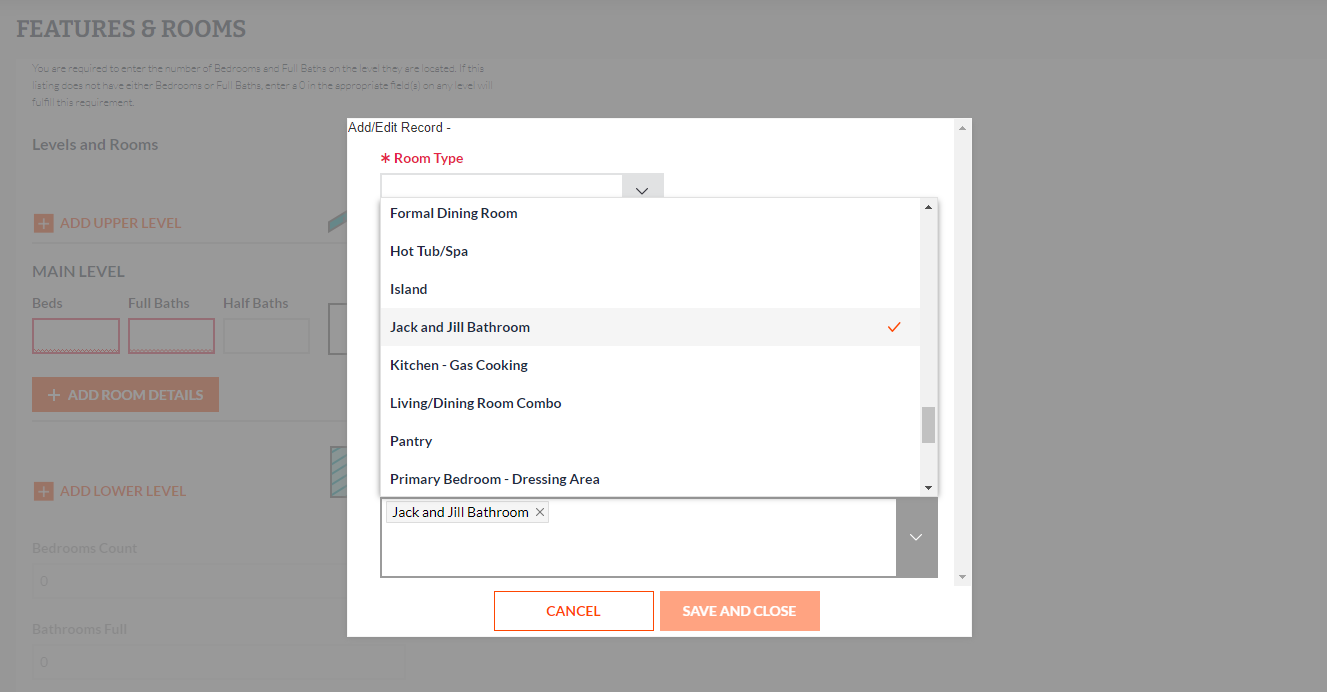
Based on your requests, we added two new picklist options to the Room Features field in Bright:
- Jack and Jill Bathroom: A full-sized bathroom located between two bedrooms that is accessible by both.
- Attached Bathroom: A bathroom that is attached to a single bedroom.
This field is available under Features & Rooms when adding room details for Residential Sale, Residential Lease, and Farm properties in Listing Management.
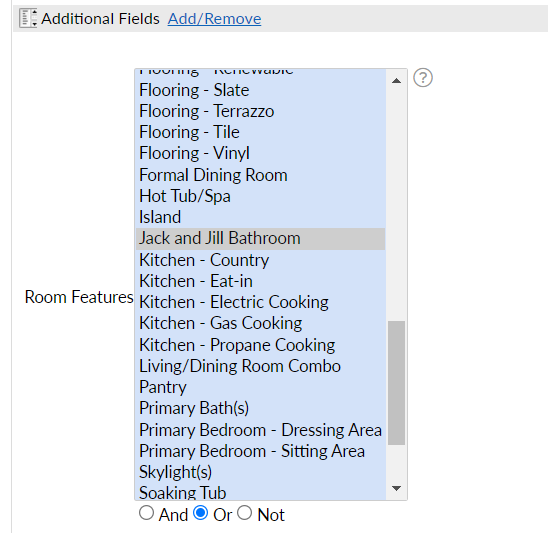
To help you find and filter properties for your buyers, Room Features is also now available under Additional Fields in Search:
When entered, the new picklist options will appear with a listing’s other room information on reports and displays:

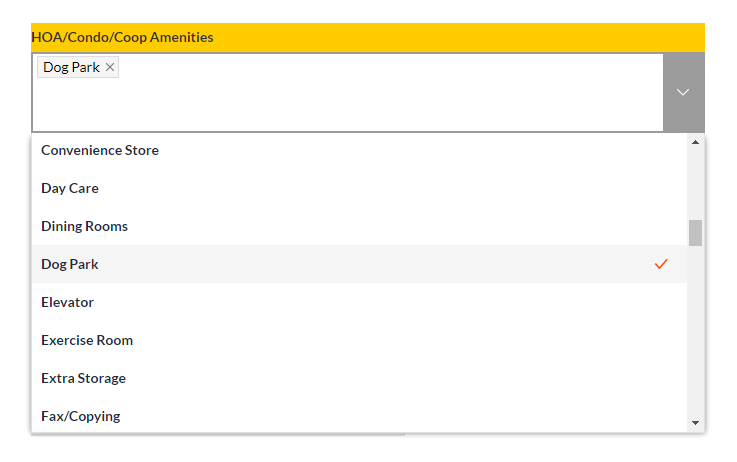
“Dog Park” is now available under HOA/Condo/Coop Amenities.
To help market listings that have a dog park associated with the property’s community features, we’ve added Dog Park as a picklist option under HOA/Condo/Coop Amenities in both Listing Management and Search.
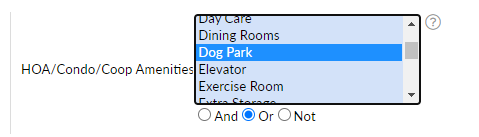
As listings are entered and updated with this information, you will now be able to find relevant properties for your buyers using the HOA/Condo/Coop Amenities field under Additional Fields in Search:
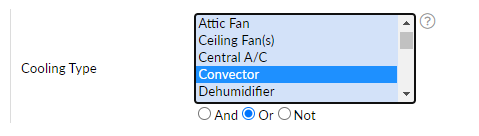
“Convector” has been added as a picklist option to Heating Type and Cooling Type.
Convectors are used in many older condo/coop buildings with a convector in every unit that circulates hot water for heat, or cold water for cooling through coils. The convector has a built-in fan that blows air across the coils to circulate hot/cold air in the unit.
To accommodate these types of properties, we’ve added a Convector picklist option to the Heating Type and Cooling Type fields.
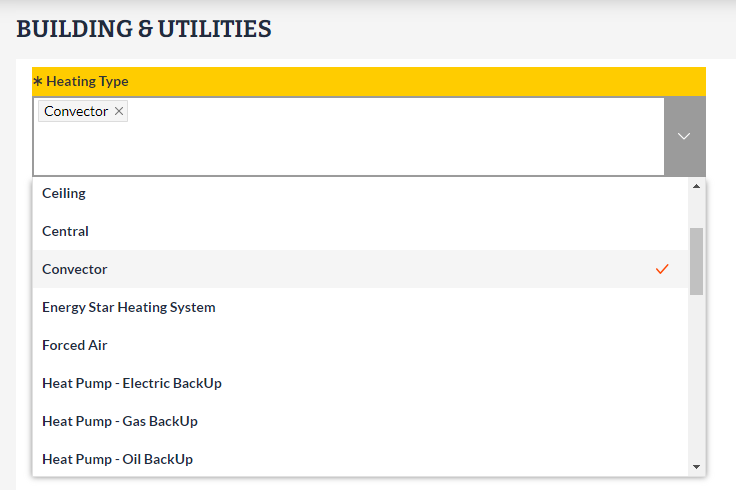
Heating Type and Cooling Type are both available as Additional Fields in Search:
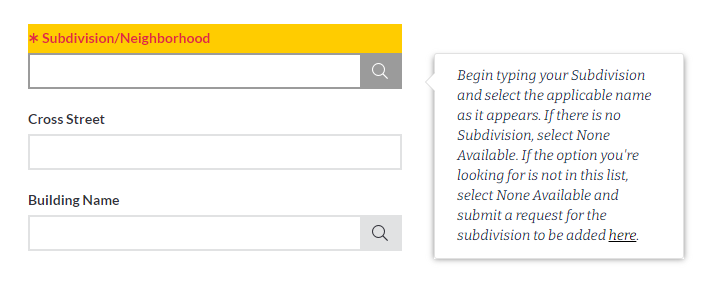
Updated tooltip link for submitting subdivision requests to Bright.
To make it easier for you to report a missing subdivision in Bright, we have updated the tooltip for the Subdivision/Neighborhood field in Listing Management.
The help text now includes a direct link to the Subdivision or Building Name Request form: https://www.brightmls.com/subdivisionbuildingformredirect
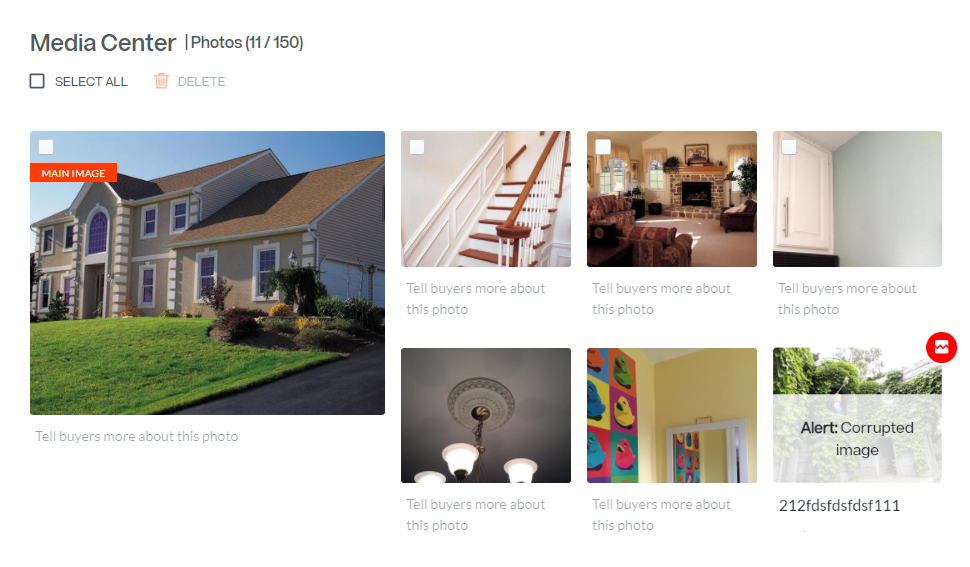
You are now able to delete corrupted images directly from Media Center.
Previously, if photos were corrupted when imported to a listing, you had to contact Bright Customer Support to get the corrupted image removed. Now if anything happens to a photo during the upload process, an icon and “Corrupted image“ alert will appear over the thumbnail, and you can easily select and delete the photo yourself.
For information on past system releases, click here.
Need live training on entering a listing or using Search in Bright?
Register for one of our upcoming webinars.
Schedule a time to Connect with a Customer Success Coach.