
NEWS
Your workspace, your way!
Try out the latest features added to your Bright Workspace, including the ability to customize the space by moving the sections to the top that matter most to you.
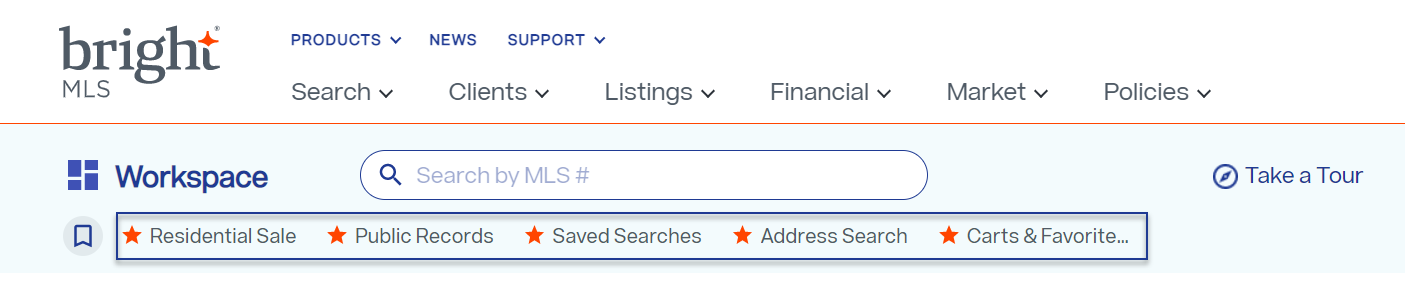
Access the most-used areas of Bright through new Quick Links.
You told us you wanted faster access to the areas of Bright you use most. We’ve added Quick Links to the dashboard for the most-used areas within the Bright system.
Want to customize these links? We know your business needs are unique and expect to offer the ability to add custom quick links to your Workspace soon.
Move the Workspace sections to see the ones that mean the most to you.
Love the Hot Sheet, but typically don’t use the Market Watch? You can now move these sections around on your Workspace so you see the ones you use most at the top of your screen. Move it once and every time you log in, you’ll see your preferred workspace.
Did you know? BrightMLS.com is responsive on your phone or tablet.
The BrightMLS.com site and menu is responsive on your phone or tablet, making it easy to navigate from whatever device. And now you can use the new Quick Links to get into Bright Search even faster from your phone.