
Learn about some of the recent and upcoming enhancements for adding and managing your listing photos in Bright.
NEWS
Updates to listing entry: August 31
A new photo viewer is available to easily view the photos attached to your listing, and Foundation Details is now required for certain structure types in Bright.
The following items were released August 31:
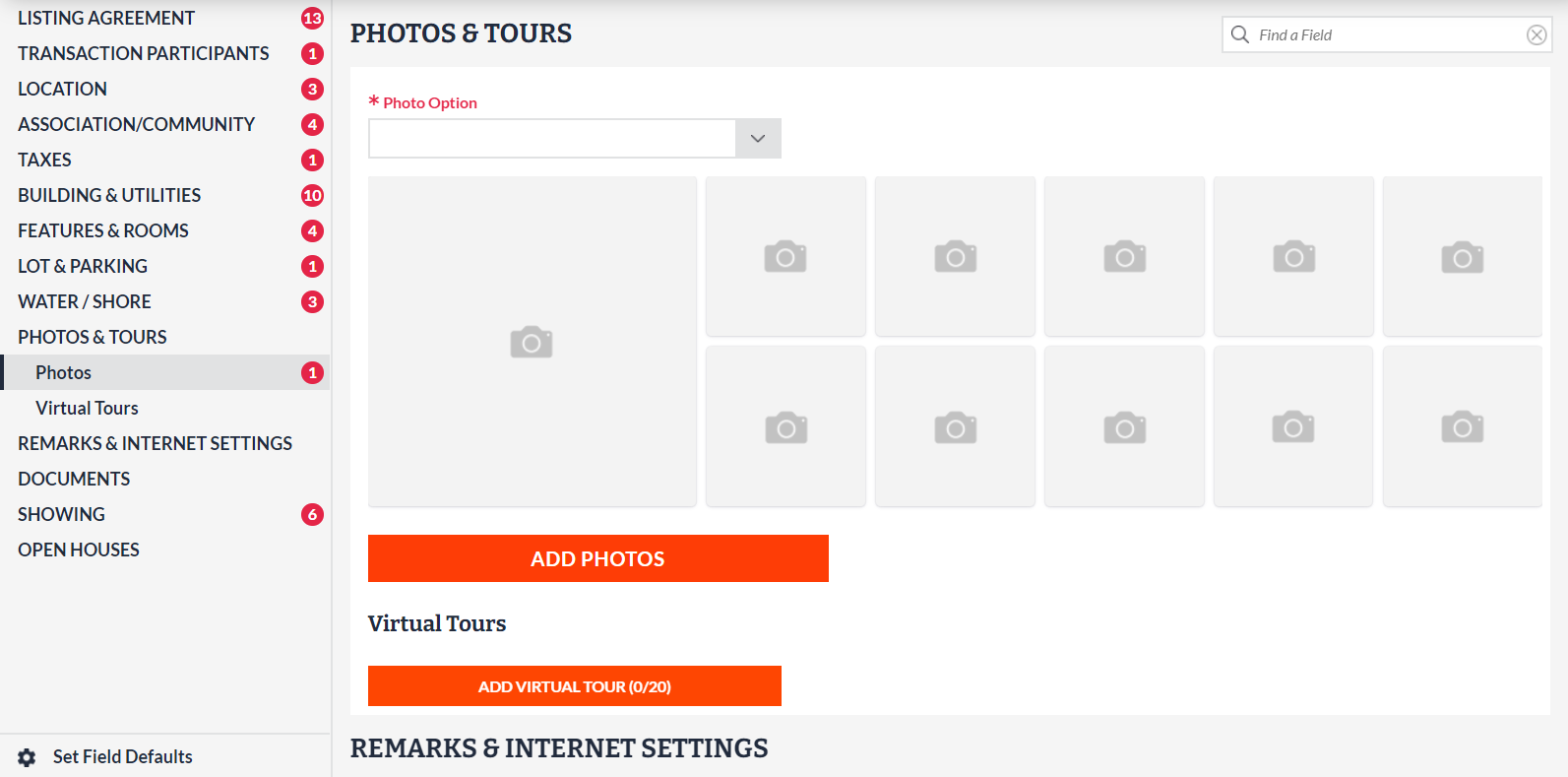
Easily view the photos that are attached to a listing.
As part of a series of upcoming updates to the photo upload process, you will now see a photo viewer that shows the first 10 photos you have uploaded to a listing directly within the full edit screen of Listing Management. Learn more here.
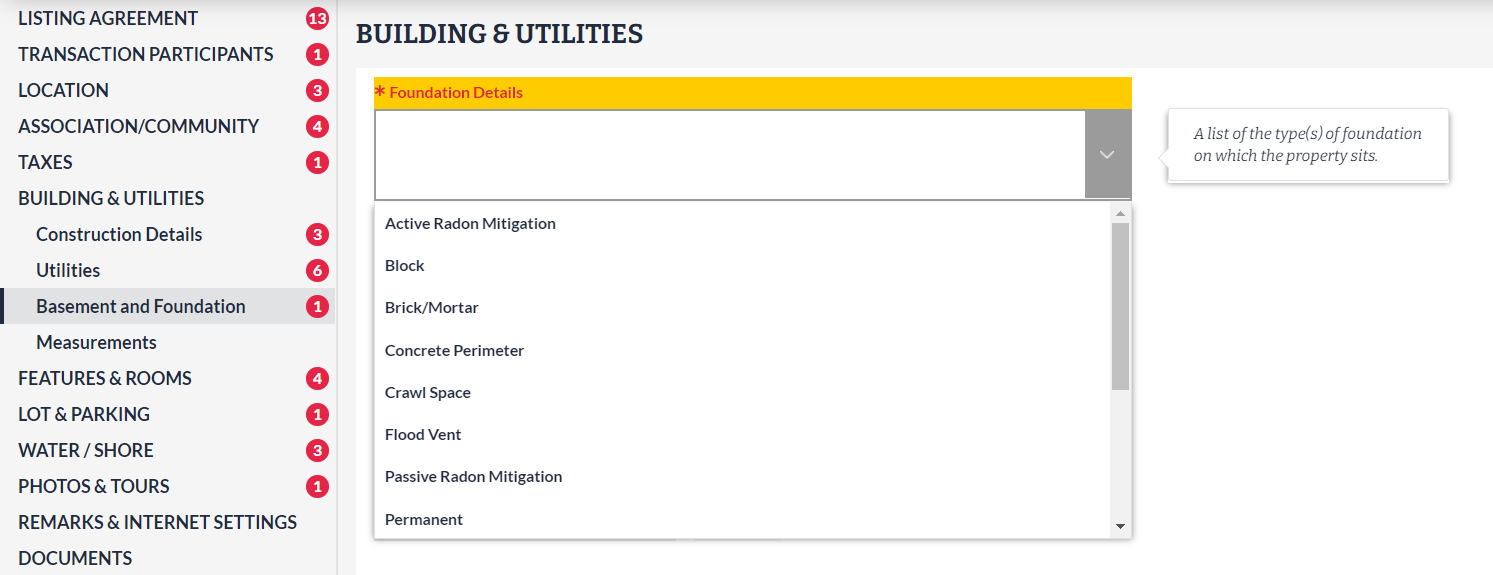
Foundation Details is now required for certain structure types.
In Listing Management, Foundation Details is a multi-select field that describes the type(s) of foundation on which a property sits. This field is now required for the following structure types in Bright:
- Detached
- Twin/Semi-Detached
- End of Row/Townhouse
- Interior Row/Townhouse
Please note, this change has been made for new listings only, and does not affect existing listings. Learn more here.
For information on past system releases, click here.
Recent articles
Learn more about how this change affects new listings in Bright, and how to find Foundation Details for your listing.
Back to Top