
NEWS
Search updates are now available
Get to know the new features and requested updates to map, clients, contacts and more.
Based on your requests and feedback, we added several updates and new features to Bright’s Search!
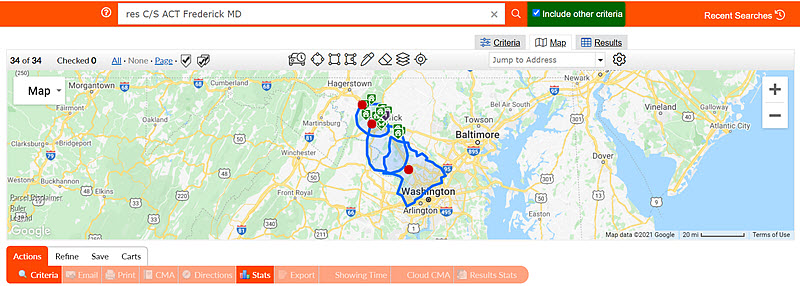
Larger Map Search with search by intersection, listing statuses, and Drive Time updates.
The Map Search is bigger and now fills the full width of your screen! It also includes new features such as:
- View listings on a map by listing status.
- Search by intersection when multiple map shapes are drawn, including My Commute Time searches.
- Calculate commute time searches based on the day of the week.
Updates to Contacts and your Client’s Auto Email notifications.
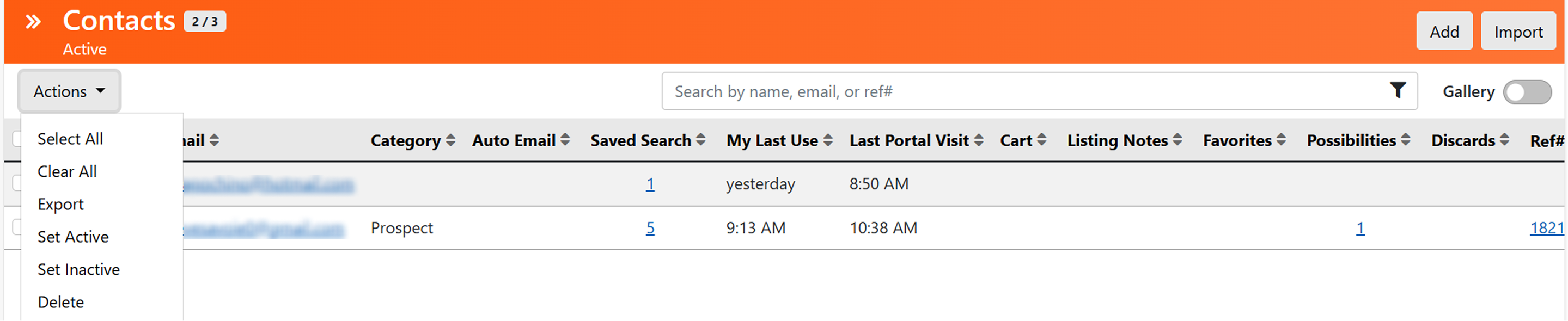
The auto emails your clients receive features a more mobile-friendly design and layout. In addition, Contacts, located underneath the Clients menu, is updated with a new Actions button located at the top of the page (see below). Your Contacts also feature a new Gallery view option and a Contacts Details page to manage and access the information you need.
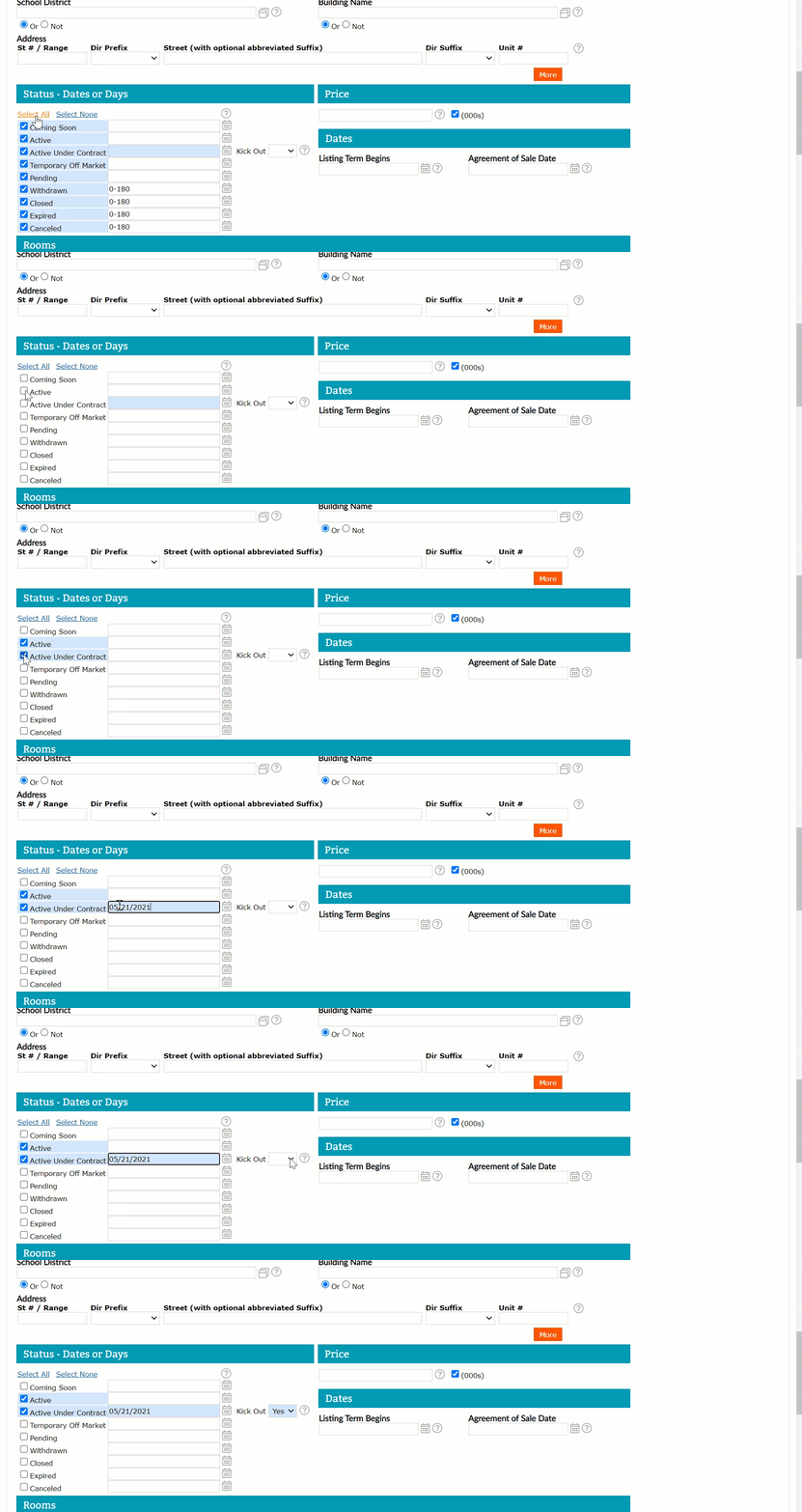
Automatically select or deselect all Listing Statuses and more easily search by Kick-Out Clause.
To make it easier to search for listings by status, you now have the option to automatically check all or uncheck all listing statuses. In addition, you are able to do one search for Active listings and listings with a Kick-Out Clause in the Active Under Contract status.
Save time scrolling on the One-Line display and set column headers.
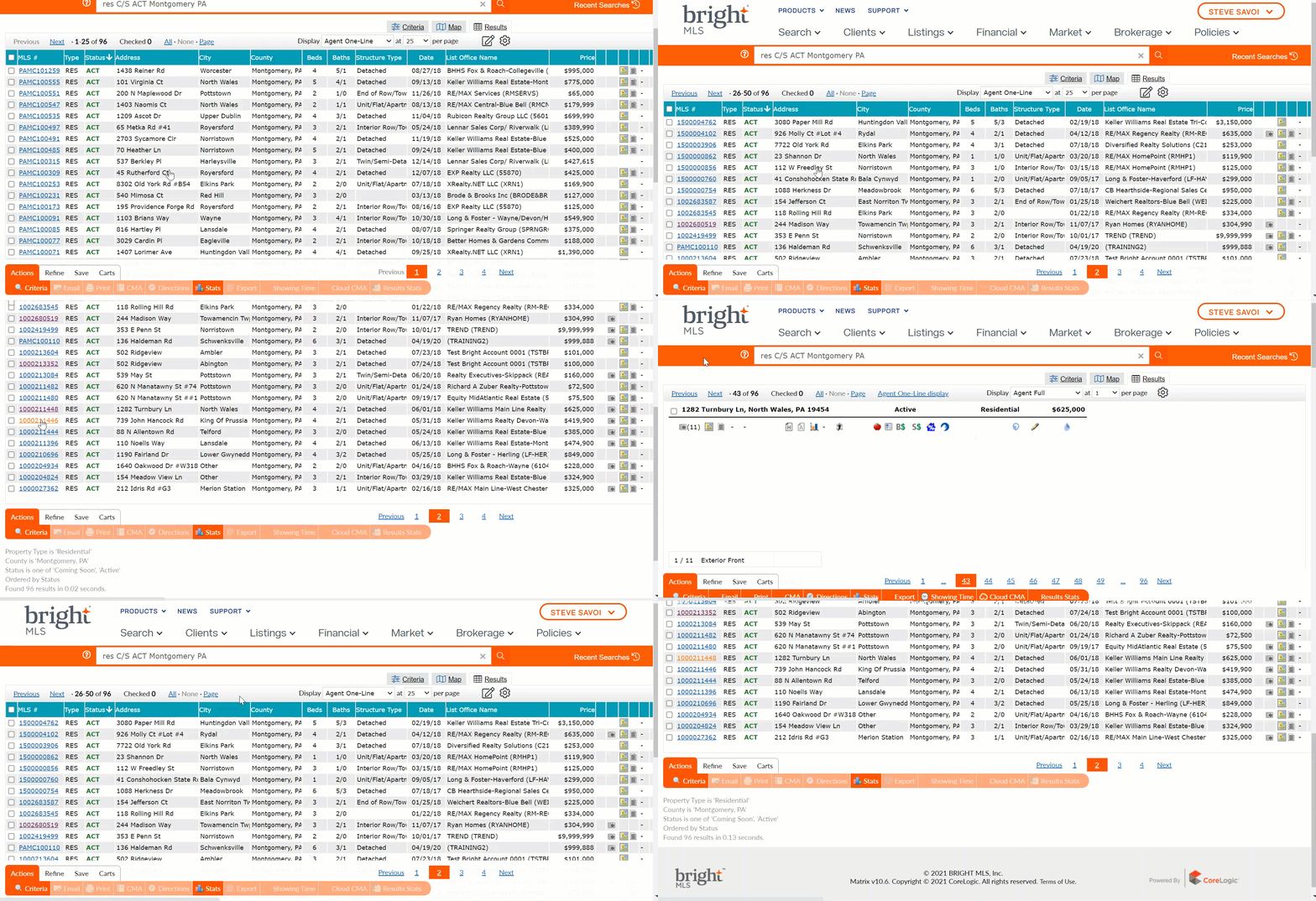
When switching between reports or display views, the One-Line Display remembers your location.
Also, while reviewing your listing results, you have the option to sort column headers with 3 different criteria. Plus, arrows are displayed to indicate the columns you sorted in ascending order/smallest value first or by descending order/largest value.
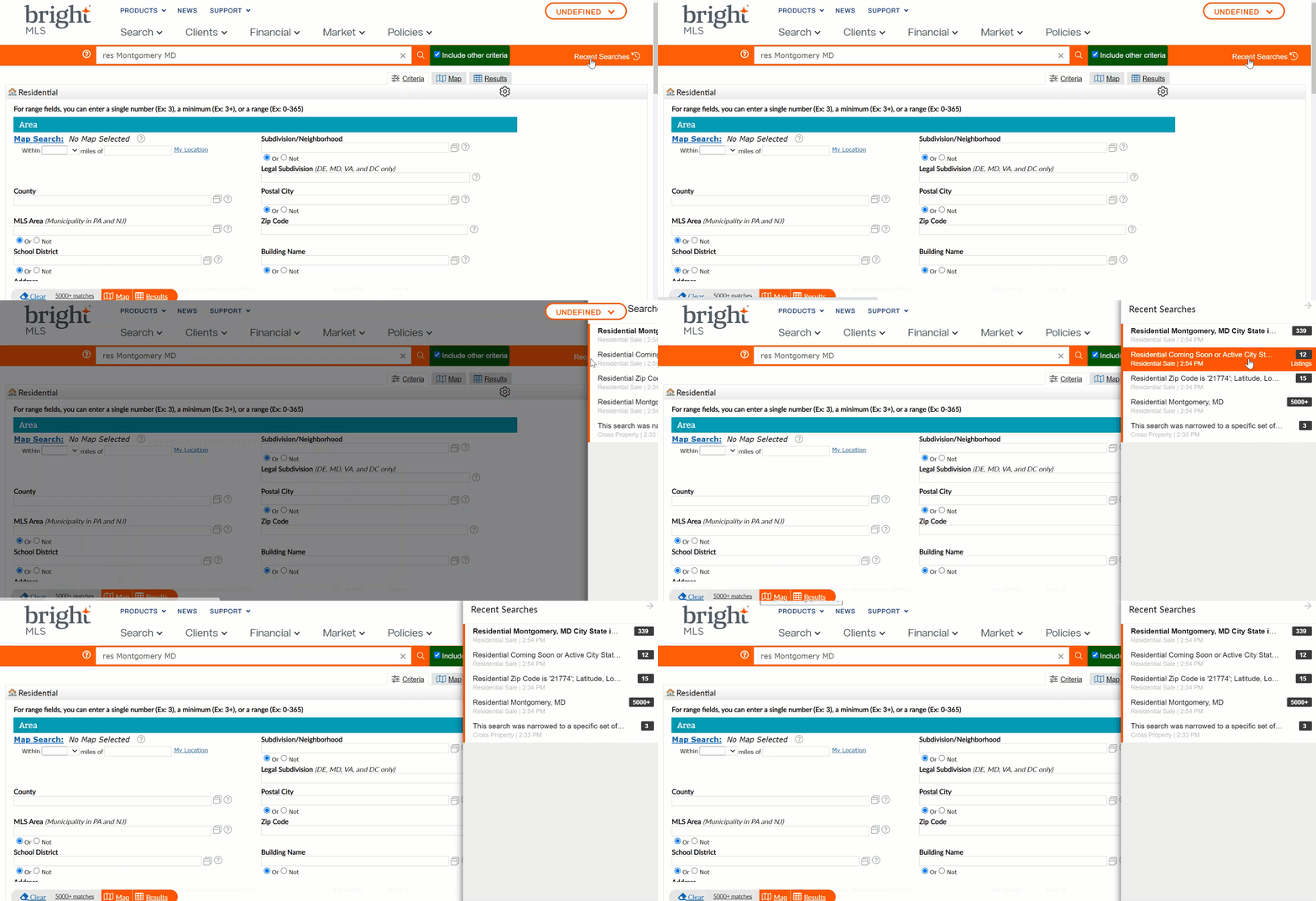
New access to Recent Searches.
Access your Recent Searches simply by clicking a link located in the upper-right corner of Bright’s Search. The link opens a larger menu from the right side of your screen with access to your latest Searches.
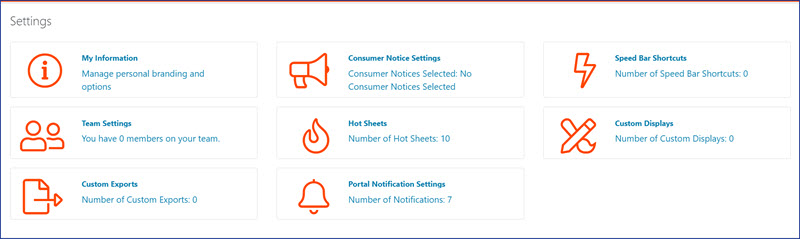
Easier-to-find Search icons, action buttons, help tips, and MLS Settings.
The icons and help tips throughout Search are now bigger and more prominent.
Also, the MLS Settings page features a new layout that helps make it easier for you to access the Search and Portal setting options you want to customize.
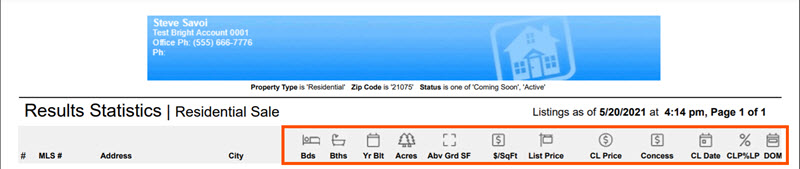
Enhanced Results Statistics report.
The Results Statistics report now feature new column header icons to better denote the information and make it easier to scan.
Bright Search supports the latest systems and browsers
Bright MLS is tested and performs best with the latest operating systems and browsers. For the best experience, make sure you are using a newer browser. Learn more.