
Learn about the latest Listing Preview update and the new feature for viewing your team’s annual sales and revenue in Teams Pro.
NEWS
System Updates: December 14
Learn about the new options in Listing Management and Search, and the new feature for viewing your team’s performance in Teams Pro.
The following items were released December 14:
Garage SQFT is now available in Listing Management and Search.
To indicate the size of your listing’s garage stucture for propsective buyers, you can now enter the square footage area using Garage SQFT in Listing Management. This optional field will appear for any Residential Sale, Residential Lease, Farm, or Multi-Family listing that has a garage associated with the property.
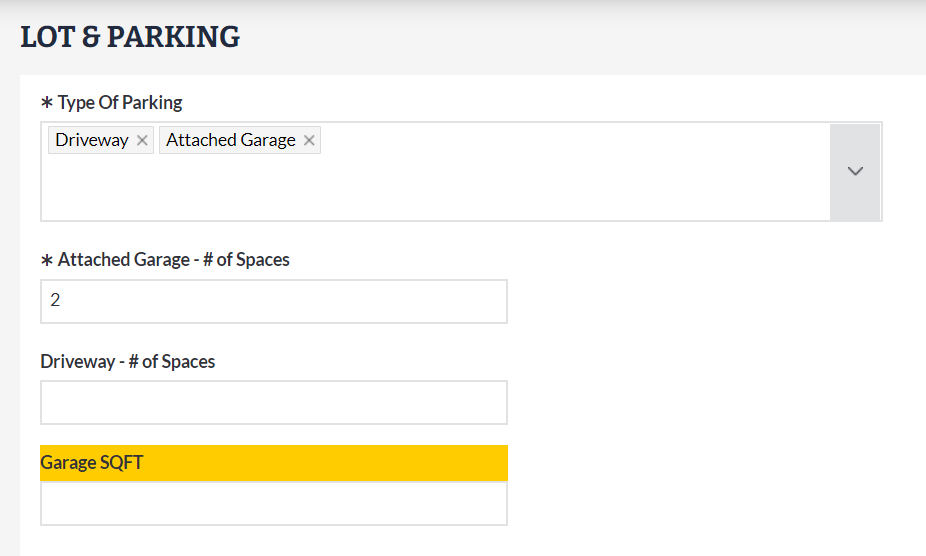
When entered, this field will display in the Parking section of Search:

New picklist options in Listing Management.
To help you market and search for relevant properties for your clients, the following picklist options are now available for the following fields:
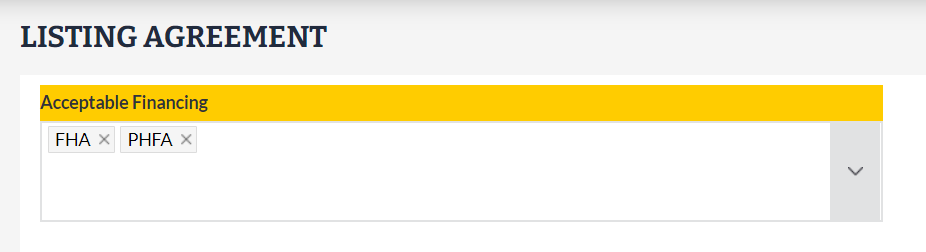
Acceptable Financing:
- FHA
- PHFA
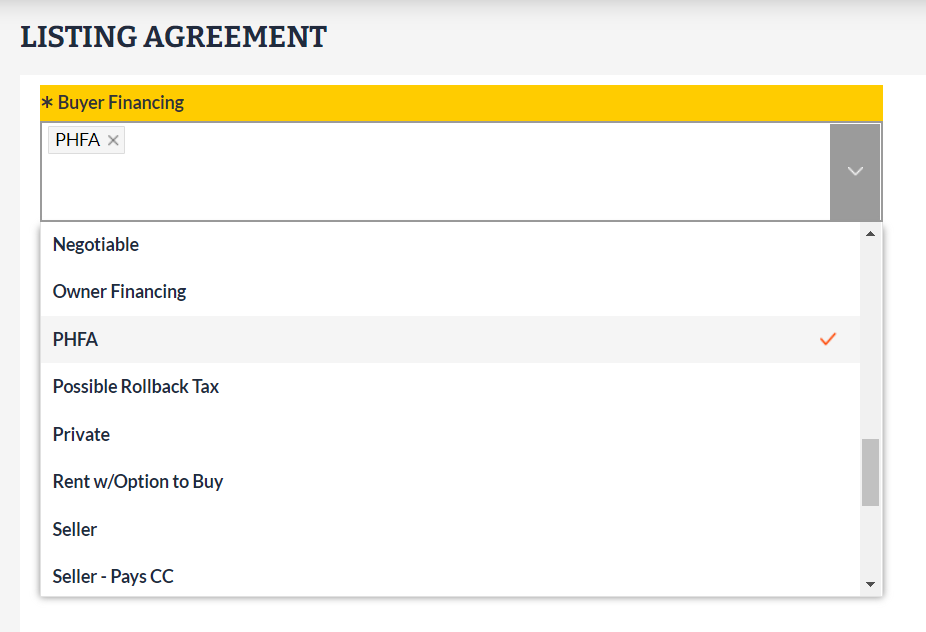
Buyer Financing:
- PHFA
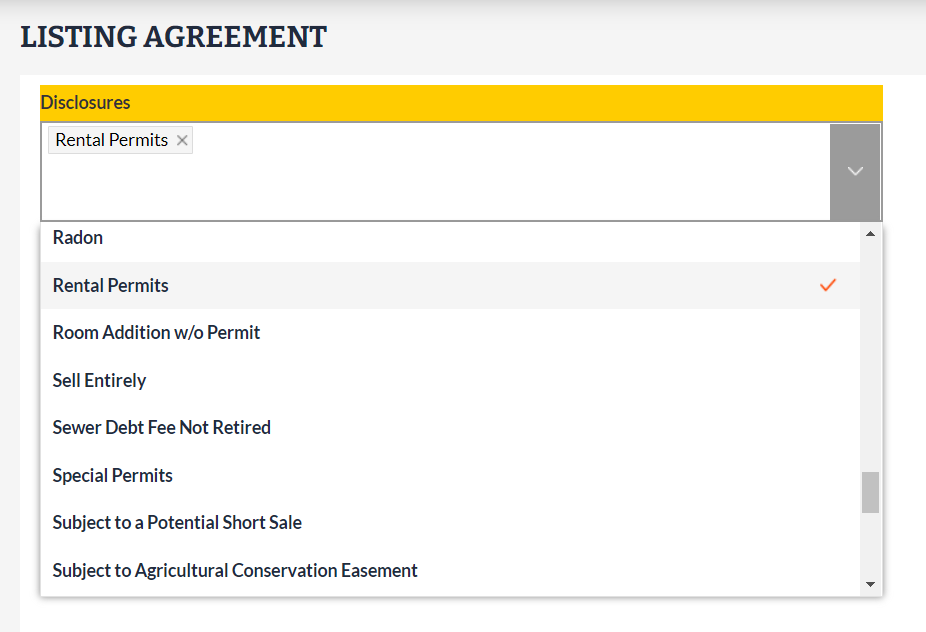
Disclosures:
- Rental Permits
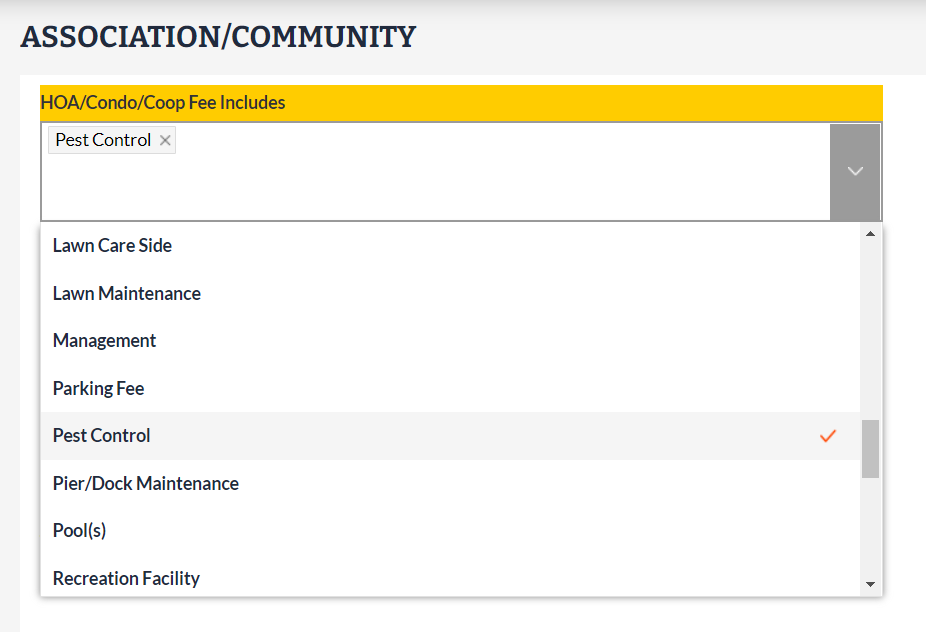
HOA/Condo/Coop Fee Includes:
- Pest Control
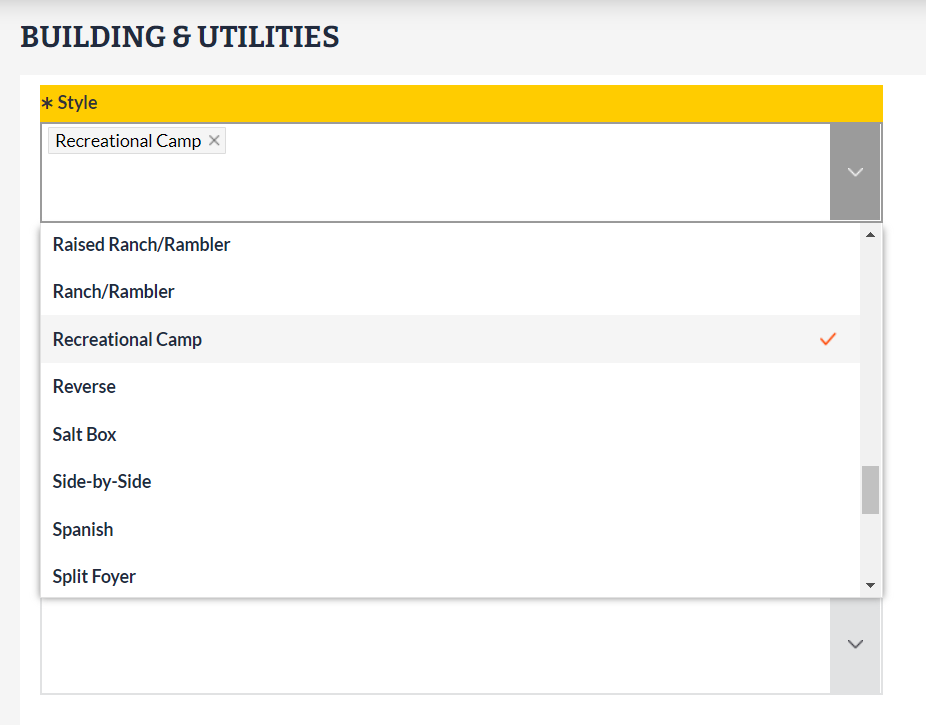
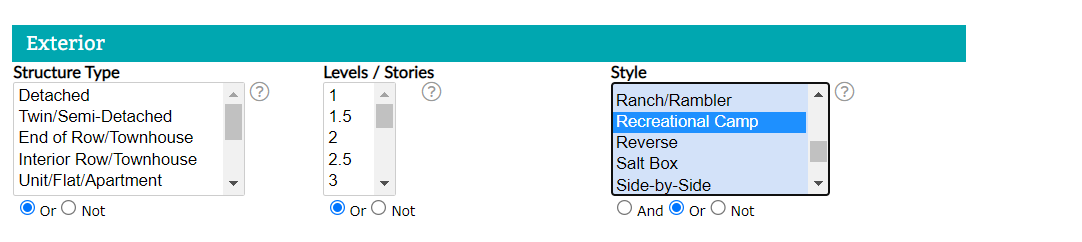
Style:
- Recreational Camp
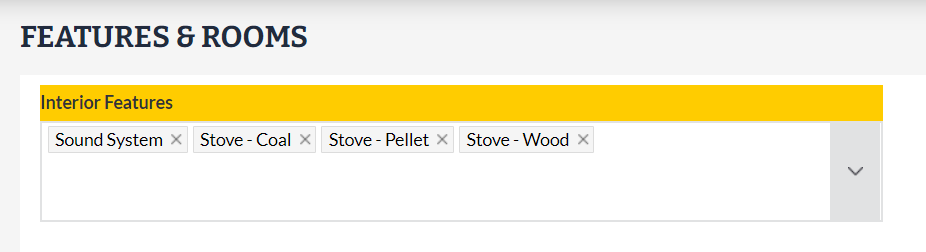
Interior Features:
- Sound System
- Stove - Coal
- Stove - Pellet
- Stove - Wood (renamed from Wood Stove)
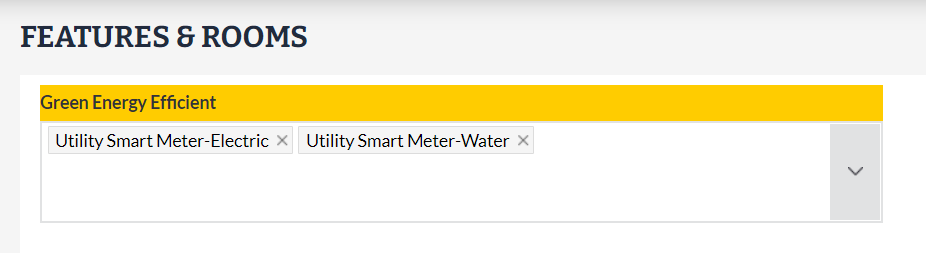
Green Energy Efficient:
- Utility Smart Meter-Electric
- Utility Smart Meter-Water
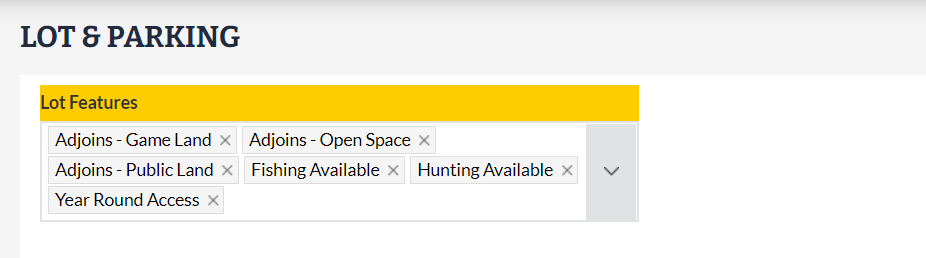
Lot Features:
- Adjoins - Game Land
- Adjoins - Open Space
- Adjoins - Public Land
- Fishing Available
- Hunting Available
- Year Round Access
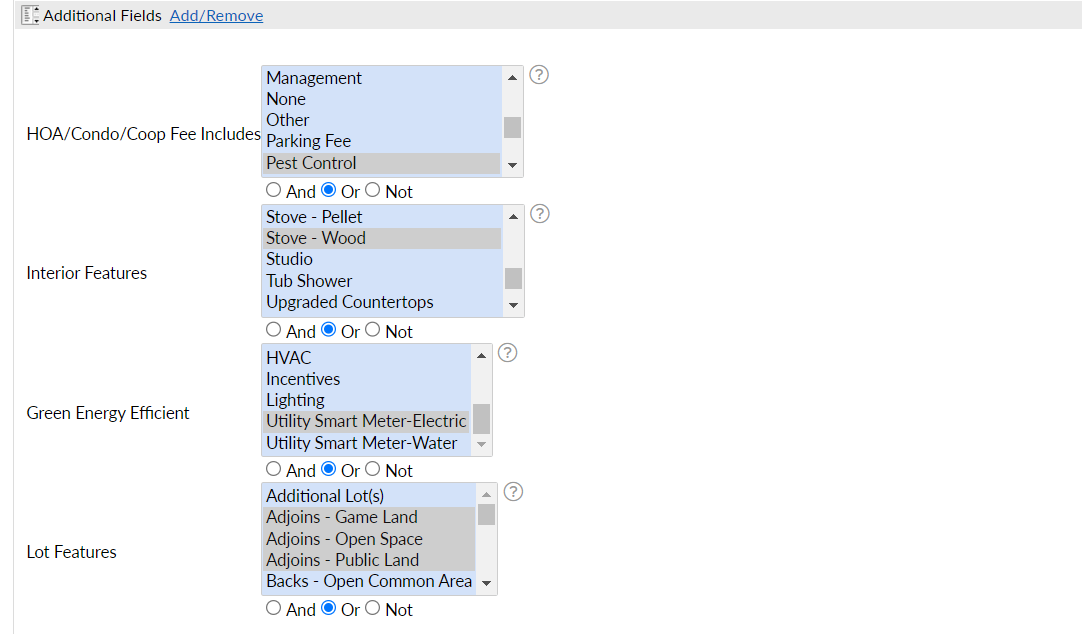
The new picklist options are available in Search under Additional Fields.
As listings are entered and updated with these new options, you will be able to find relevant properties for your buyers using Additional Fields in Search.
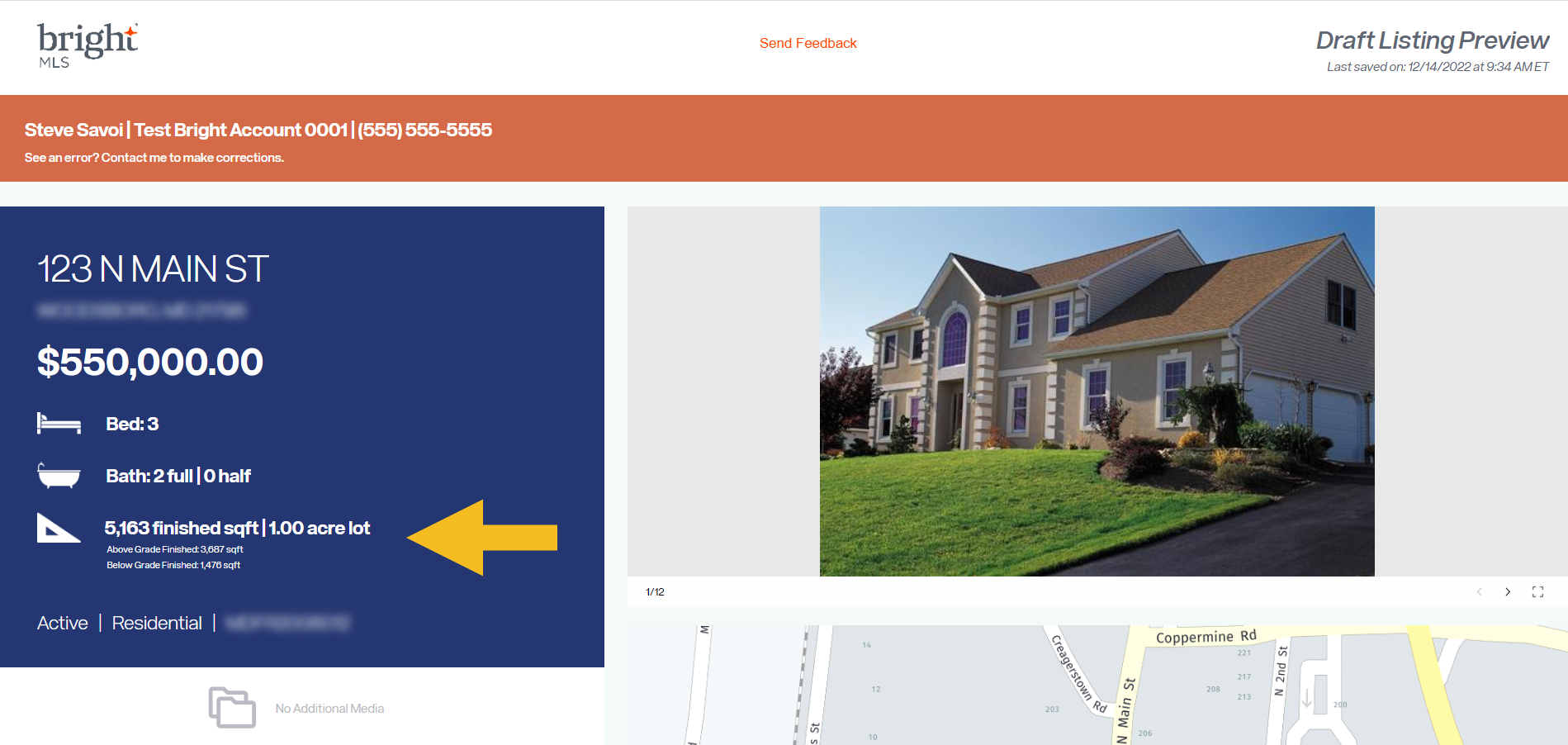
The highlights section of Listing Preview now shows the total finished square footage of a property.
When previewing a draft listing in Listing Management, the highlights section now displays the following:
- Total Finished SQFT
- Above Grade Finished SQFT
- Below Grade Finished SQFT
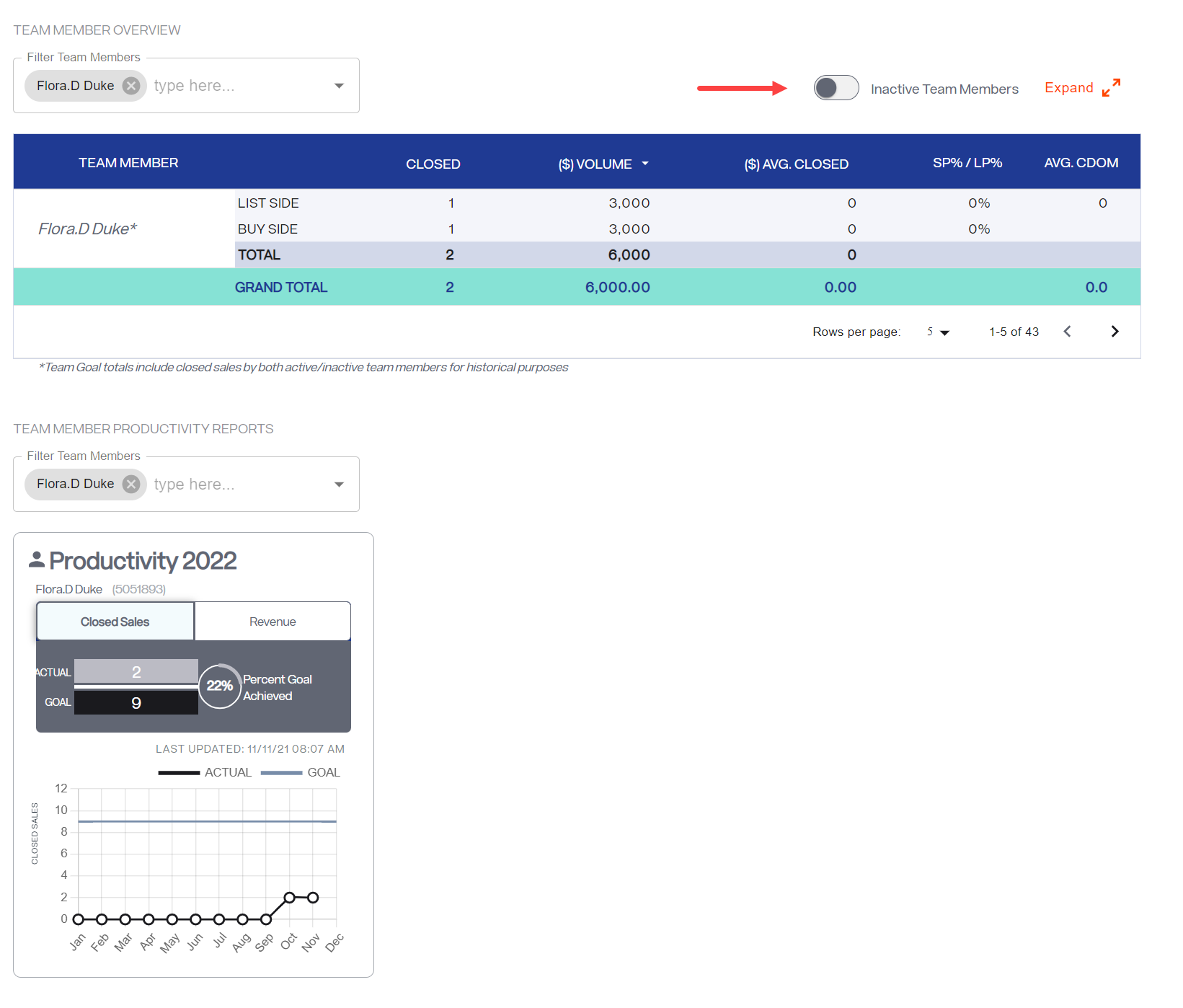
A new toggle has been added to the Teams Pro Productivity page to review performance for inactive Team Members.
Now from the Teams Pro Productivity page, Team Leads and their members who have viewing permissions can toggle between current and prior performance and productivity reports for both active and inactive Team Members.
For information on past system releases, click here.
Need live training on using Bright tools?
Register for one of our upcoming webinars.
Schedule a time to Connect with a Customer Success Coach.
Recent articles
You can now access a complete listing preview—including photos—before you publish your listings.
Back to Top