
NEWS
Latest updates to Broker Tours Search and Reports
We’ve made several updates in the way you can search for and present Broker Tours information in Bright. Watch this video, to see it in action.
We’ve made several updates in the way you can search for and present Broker Tours information in Bright. Watch this video, to see it in action.
The updates include:
- The option to search by List Agent Subscriber ID.
- View and sort Broker Tour Search results in a Single Line report format with the Access type field included.
- The ability to select, print and share in a PDF or HTML format a list of Broker Tours on a single page using the Single Line report.
In addition to the Single Line Report, you also still have the option to view and print information in the following report formats:
- Broker Tour
- Broker Tour Short
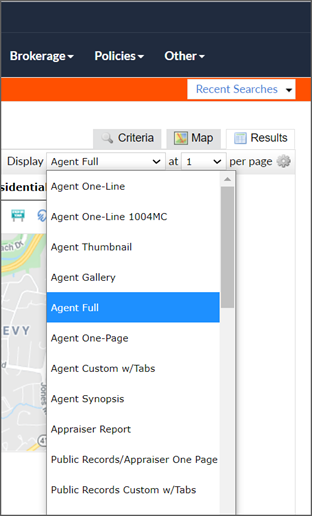
Please note: If you would like to view results in a different format other than a Single Line, Broker Tour or Broker Tour Short reports, click on a listing’s MLS number from your search results. You will then be directed to an Agent Full report on the listing where you can select a different report view from the Display drop-down or use the Actions bar at the bottom of the listing to run a CMA, Stats or schedule a showing via ShowingTime.
Back to Top