
NEWS
Update your license and contact info in Bright
Your license and contact information is displayed on listings and other places in Bright. It's important you take the time to review and make sure the latest information is currently showing.
Your license and contact information displays on your listings and other places within Bright. If this information is out of date, it may mean extra calls and wasted time when someone wants to make an offer on your listing.
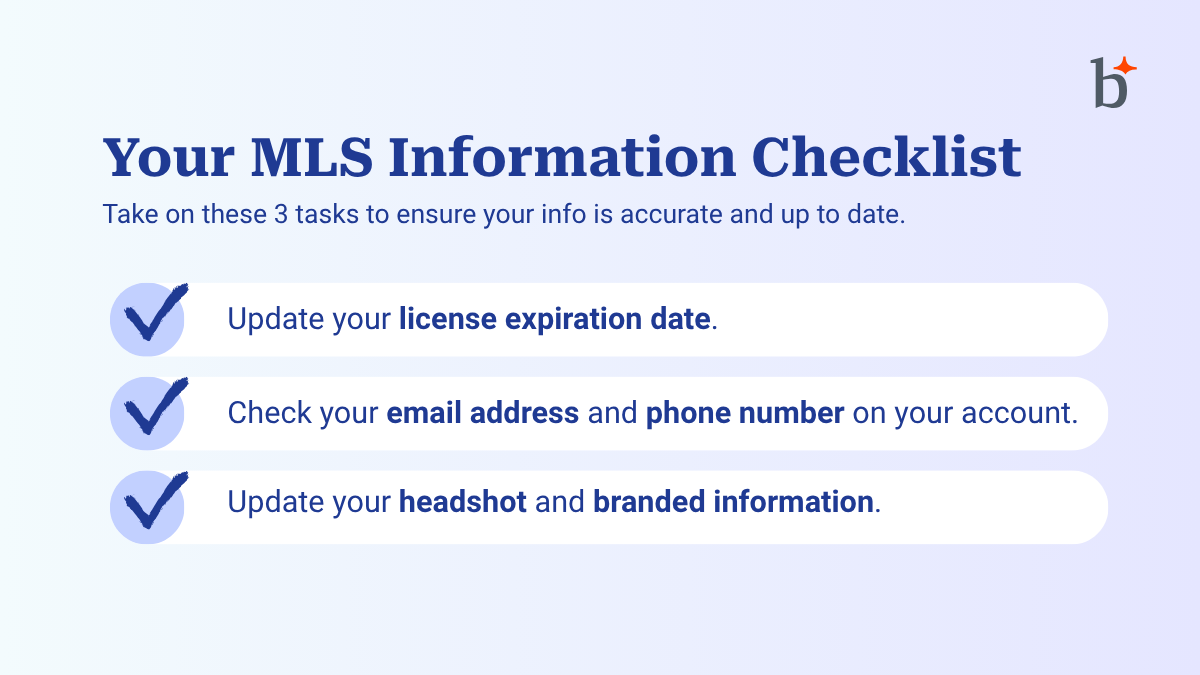
Update your license and contact information
It only takes a few minutes to check and update your license and contact information in Bright. You can easily do this by following the steps below:
- Login to BrightMLS.com and choose your name in the upper-right side of the screen.
- Select Account & Settings.
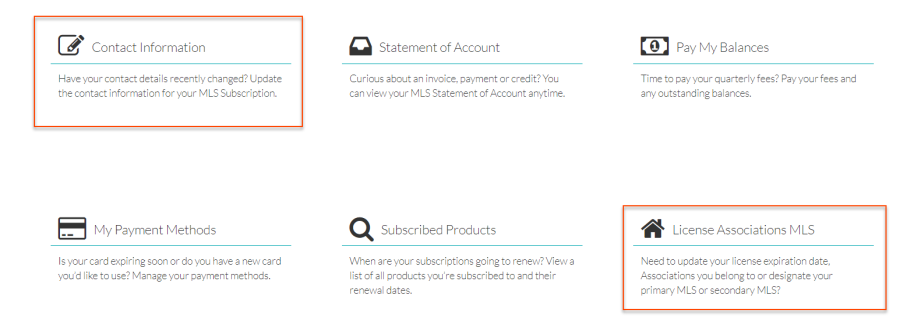
- Choose License Associations MLS and make any necessary updates.
- Go back to the main My Subscription screen and choose Contact Information. Make any necessary updates and save.
Back to Top